Customizing Quant Manager
Tailor Quant Manager's settings and appearance to your preferences.
1
Open Settings
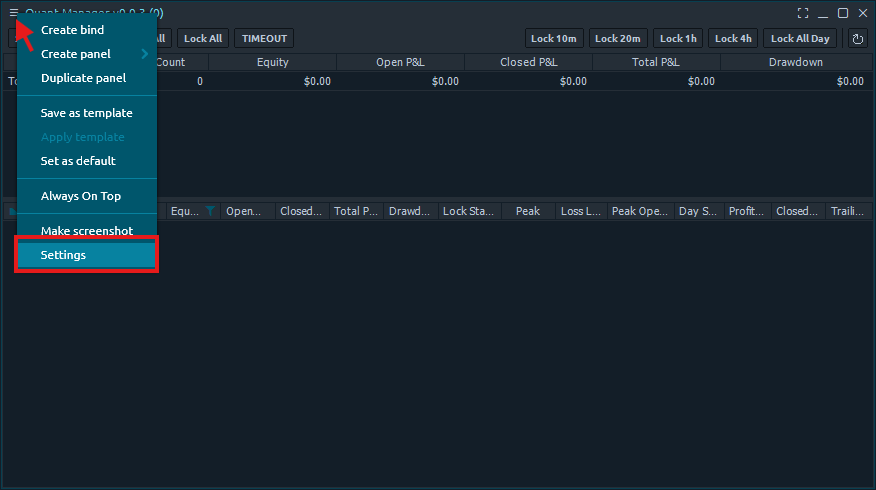
Click the three bars in the top left corner of the Quant Manager panel and select 'Settings'.
2
Main Settings
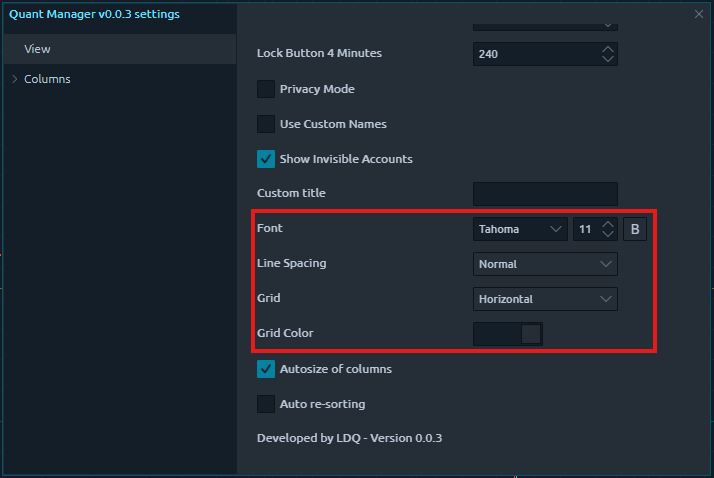
Configure the general font, line spacing, grid lines, and grid color in the 'View' tab.
3
Column Settings
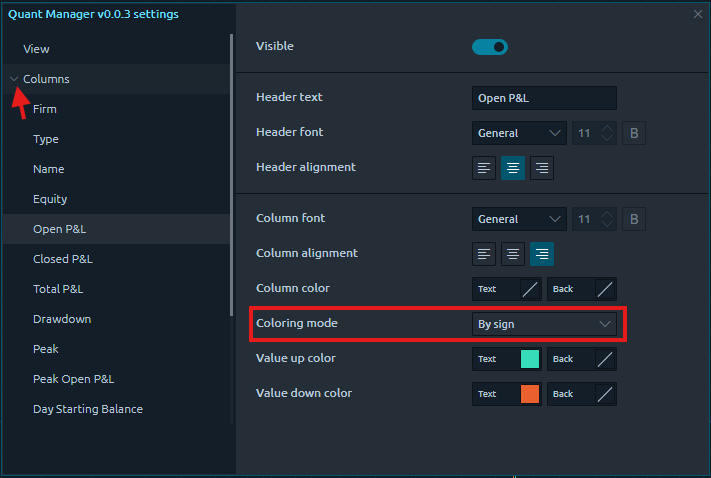
Click the dropdown menu to see all of the individual column settings. You can change the header settings, column alignment, and colors. For columns that are numbers, you can also change the coloring mode to reflect the value of the number.
4
Summary Table Settings
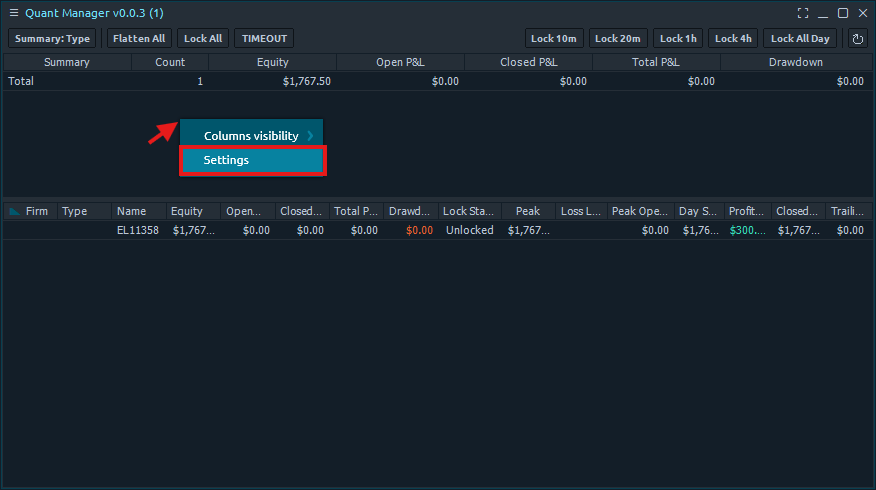
To edit settings for the summary table, right click the table and select 'Settings'.