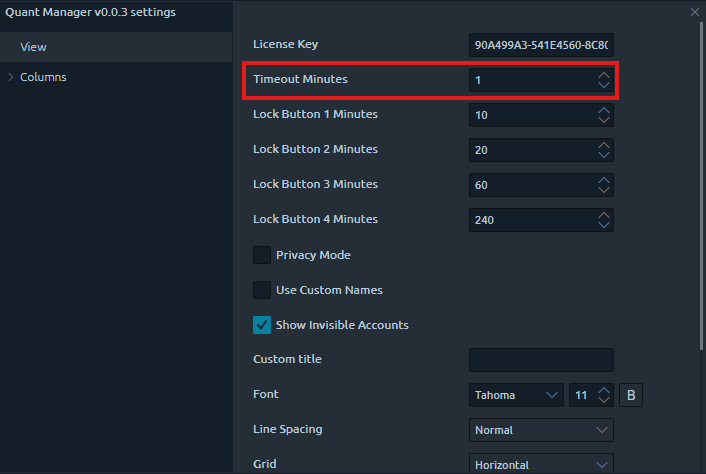
Changing Timeout Duration
Set how long timeout periods last for your accounts or rules.
1
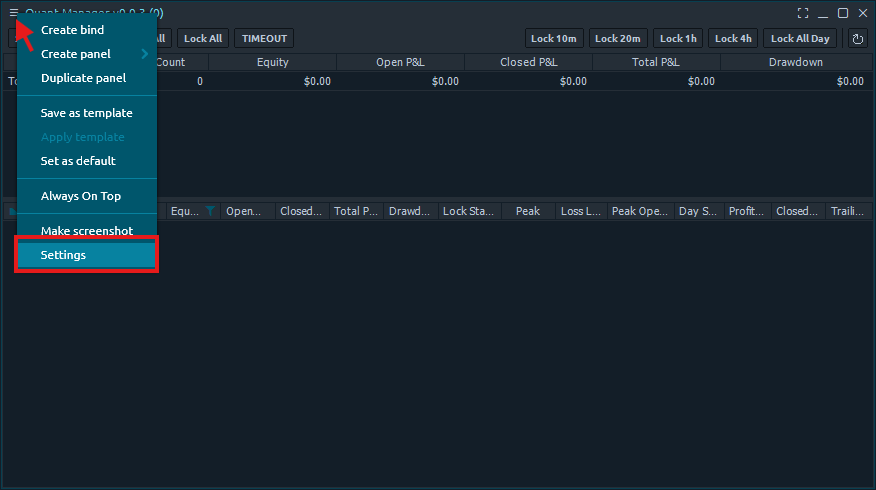
Open Settings
Click the three bars in the top left corner of the Quant Manager panel and select 'Settings'.
2
Set Timeout Duration
Set the number of minutes the timeout lasts.