Editing Accounts
Learn how to modify account settings and risk rules.
1
Open Edit Account
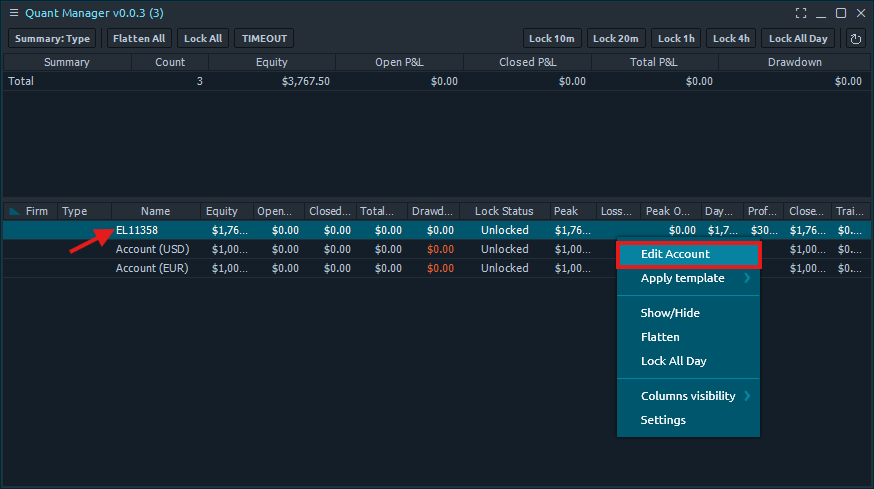
Right-click an account in the dashboard and select 'Edit Account' to open the Edit Account window.
2
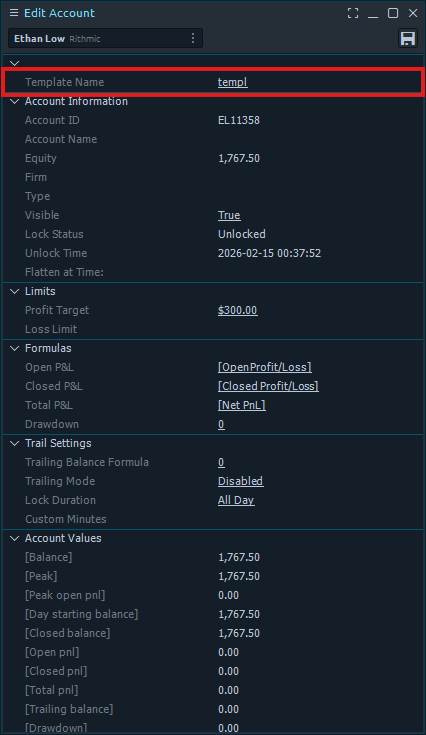
Template Name
The first section shows the template name assigned to the account.
3
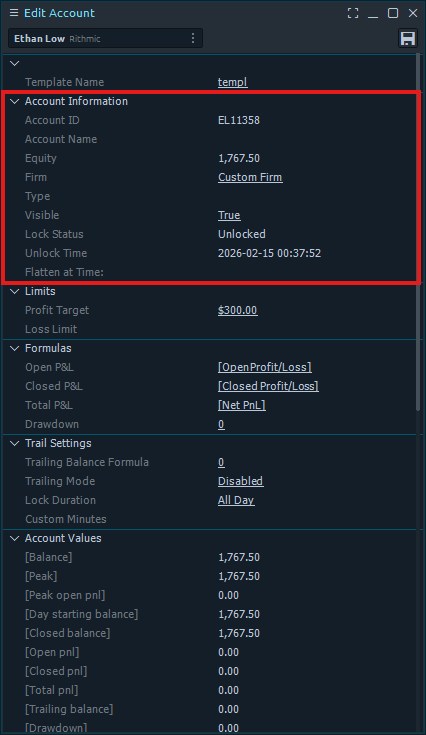
Account Information
The second section displays the account information including Account ID, Equity, Firm, Type, Visible, Lock Status, Unlock Time, and Flatten at Time.
4
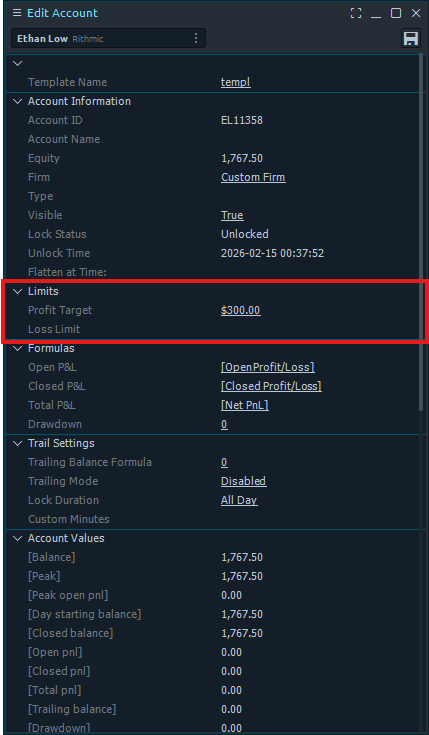
Limits
The third section contains the Limits with Daily Profit Target and Daily Stop Loss. Set these to define your risk boundaries for the account.
5
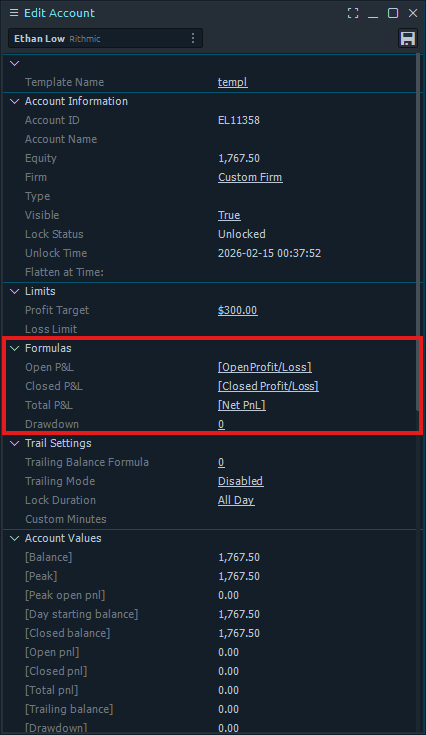
Formulas
The fourth section defines the formulas for Open P&L, Closed P&L, Total P&L, and Drawdown. These determine how each metric is calculated from the connection data.
6
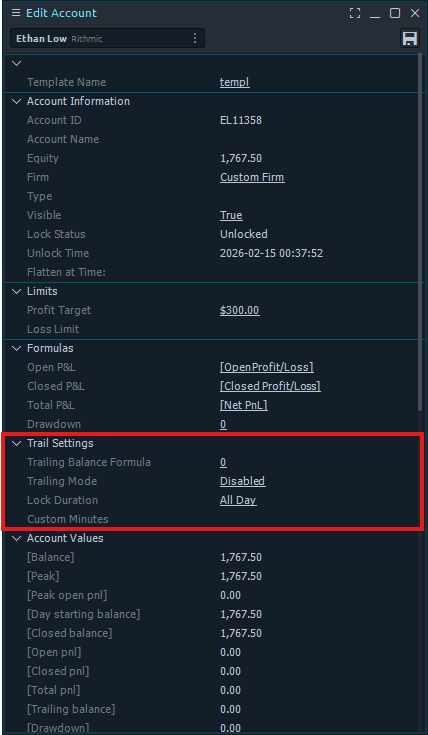
Trail Settings
The fifth section configures the Trail Formula and Trail Lock settings, including Trailing Balance Formula, Trailing Mode, Lock Duration, and Custom Minutes.
7
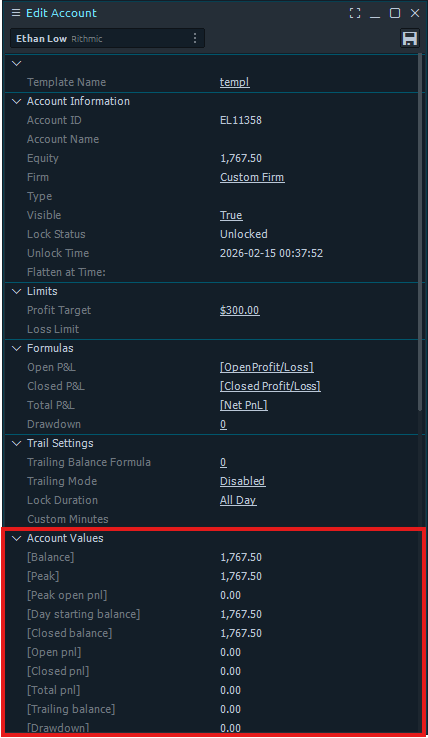
Account Values
The sixth section displays the important account numbers such as Balance, Peak, Day starting balance, Open P&L, Closed P&L, Total P&L, and Drawdown.
8
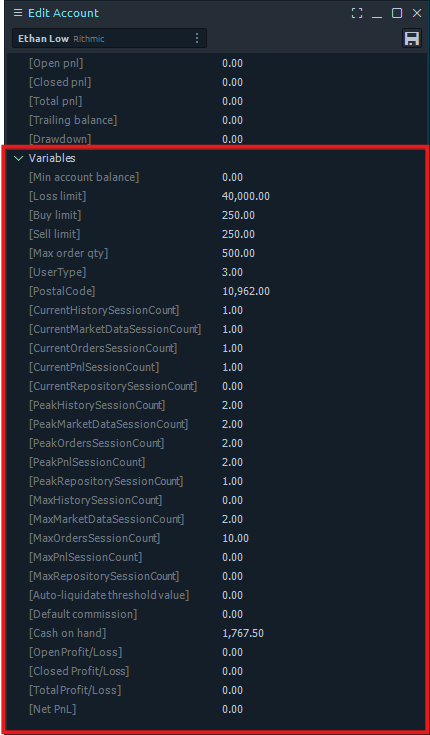
Variables
The seventh section lists all of the variables from the connection provider for the account. These can be used in formulas to reference account-specific data.
9
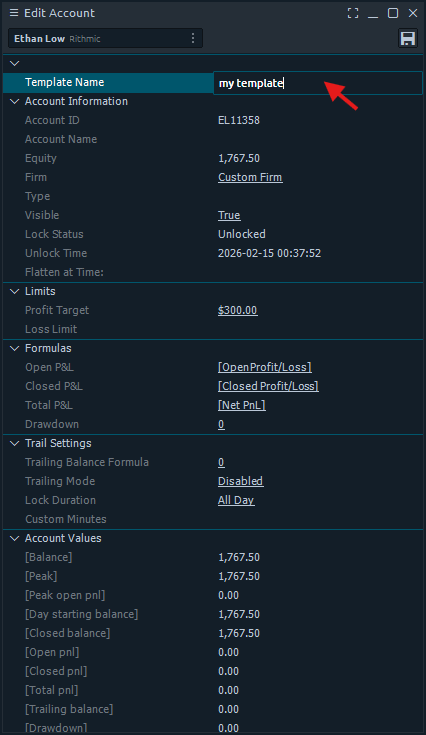
Editing Fields
All fields that are underlined can be edited. Click the field to open the input field and type the new value.