Navigating the Toolbar
Learn about the toolbar buttons for sorting summaries, flattening positions, and locking accounts.
1
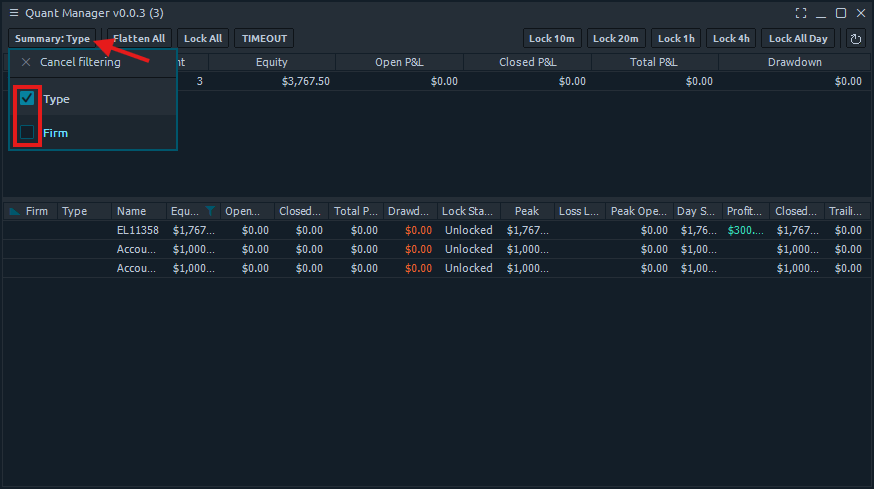
Summary Button
Click the 'Summary' button to reveal options to sort by account type, firm, or both.
2
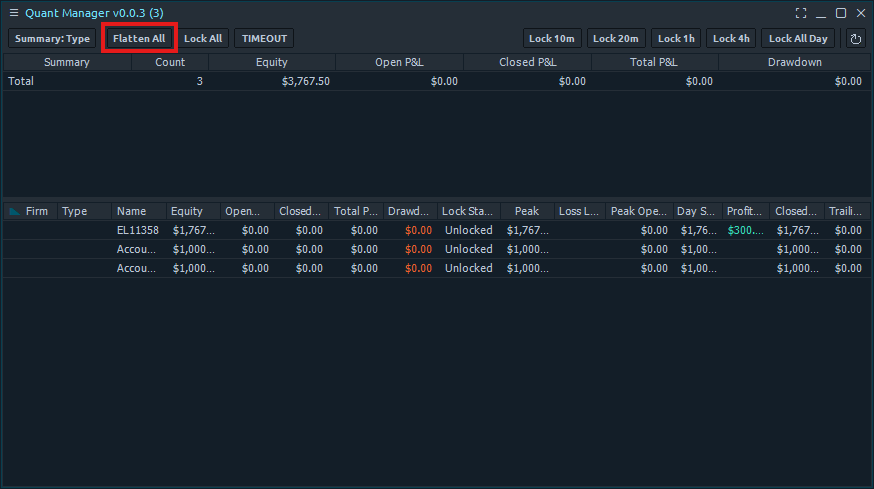
Flatten All Button
Click the 'Flatten All' button to flatten all of your accounts' open positions.
3
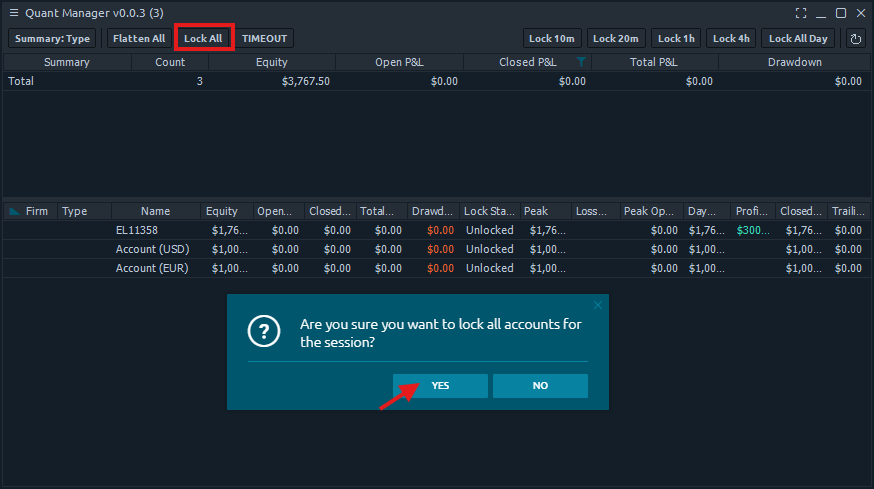
Lock All Button
Click the 'Lock All' button to lock all of your accounts for the rest of the session. You will be prompted to confirm before the action is applied.
4
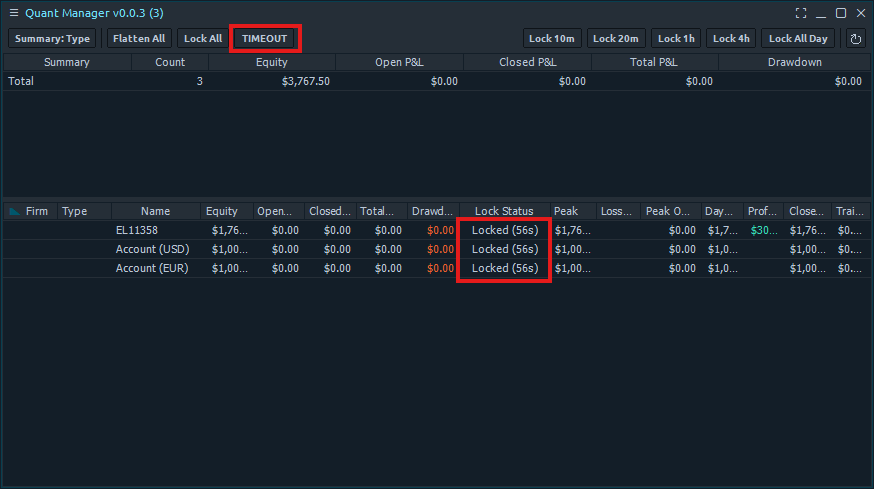
Timeout Button
Click the 'Timeout' button to immediately lock all of your accounts for the timeout duration set in the settings.